Collect the pages in one queue
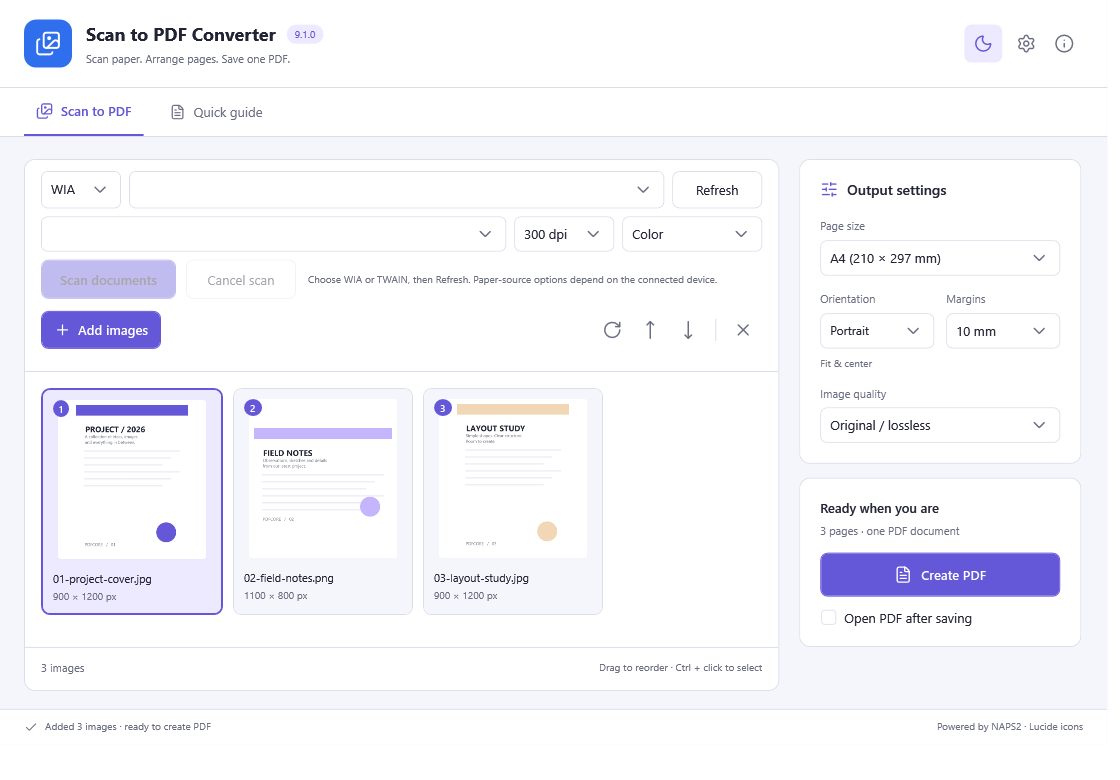
Select the installed WIA/TWAIN device and suitable page size, DPI and color settings. Scan one flatbed page at a time, or use a feeder when the device and driver provide it.
Check and arrange the document
Review every collected page in the same queue. Rotate pages, move them into reading order and remove unwanted pages before saving.
Save a single PDF
Choose the pages to export, select one output filename and save the queue as one multi-page image PDF. Open it and verify its page count and order; text recognition is a separate OCR step.
All included application features are 100% free. No registration or activation is required.