Connect and choose the scanner
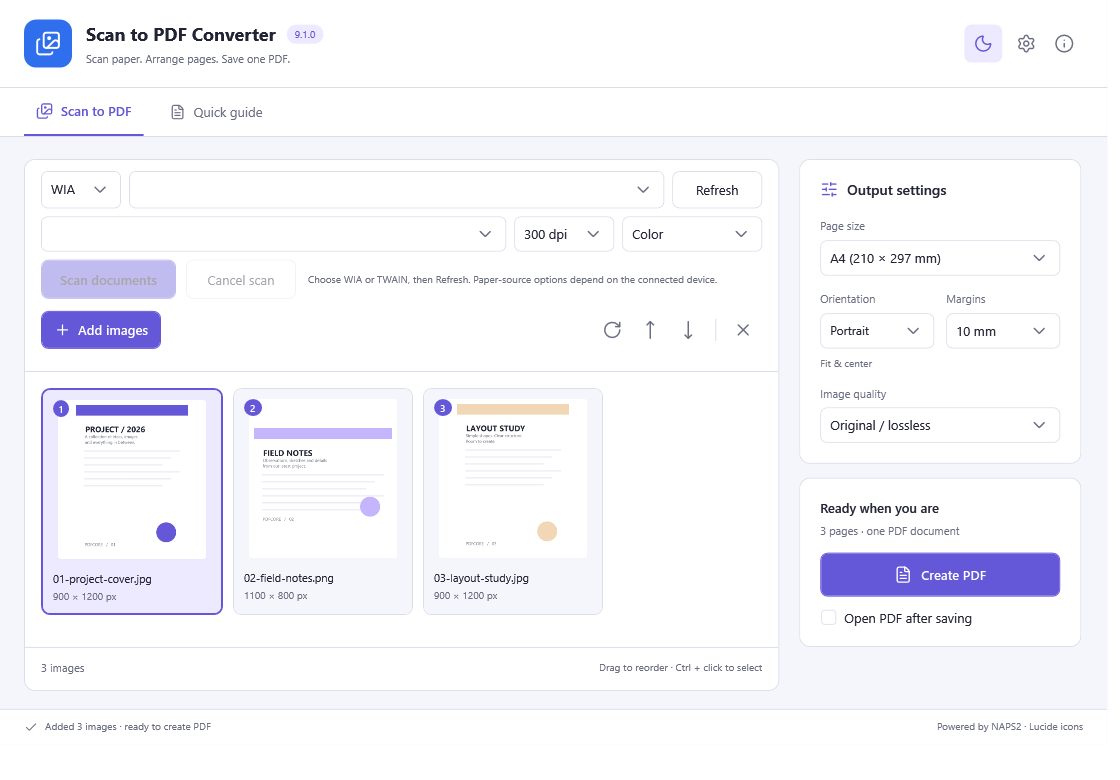
Connect the scanner, install its manufacturer’s compatible driver and open the Scan to PDF workspace. Refresh the device list and choose WIA or TWAIN as appropriate for the installed driver.
Set up the pages
Choose page size, DPI and color. Select flatbed or feeder; use duplex only when the selected device and driver provide it. Try one page before a larger batch.
Scan and review
Start the scan, watch the page queue and cancel if the device reports a problem. Rotate, reorder or delete pages so the document reads in the intended order.
Save the PDF
Choose a new file name, export the selected pages as one PDF and open it to check clarity and page order. Real device availability and driver behavior determine physical scanning support.
All included application features are 100% free. No registration or activation is required.